qgis2threejs
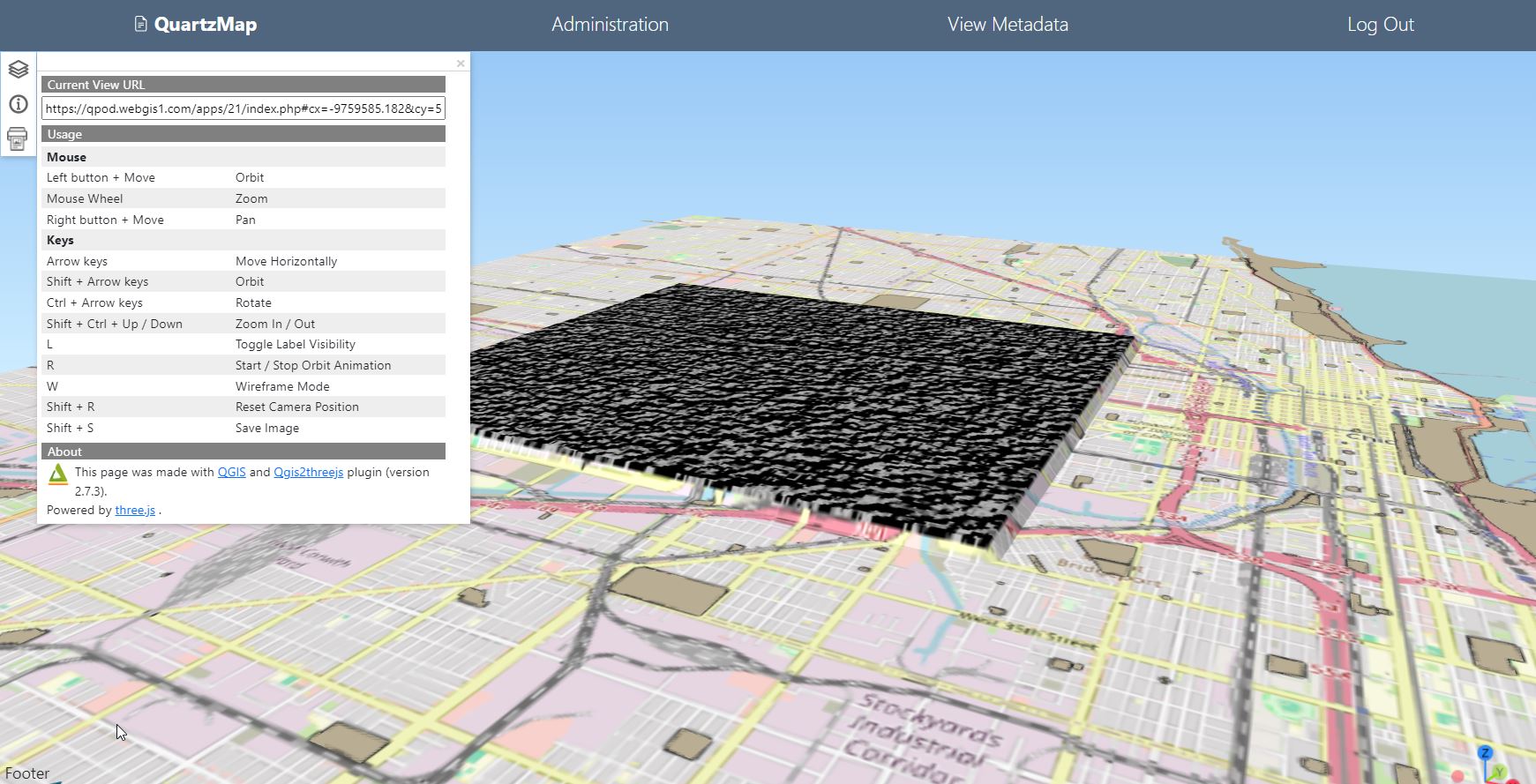
QuartzMap supports publishing of qgis2threejs as well as qgis2web. Currently, dynamic data sources are not supported.
To publish your qgis2threejs maps, simply FTP or upload as you would with qgis2web.
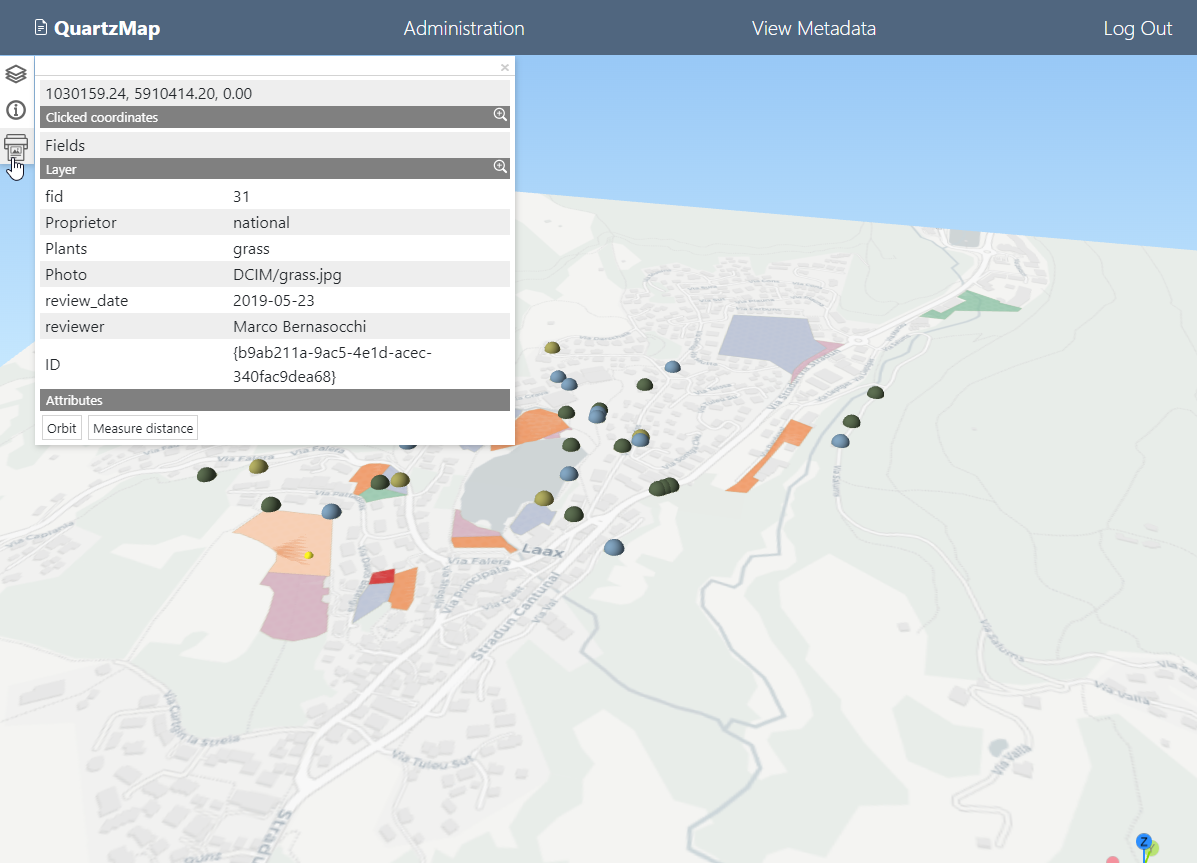
QuartzMap adds PDF Print functionality, as shown below.

To publsih your qgis2threejs maps, follow below:
Publishing
In QGIS, open the Project you wish to publish and start qgis2threejs
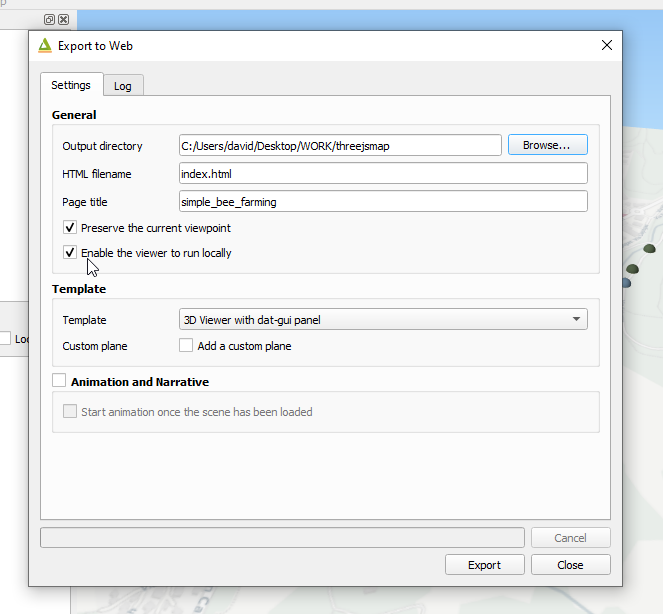
Export your map to a location on your desktop as normal
Be sure to select “Enable the Viewer to run locally”
FTP the map using FTP or use the “Upload” function to upload.
Go to Maps > Add New
Give your map a name and description.
Select the qgis2threejs map you wish to publish.
Your qgis2threejs map is now published
Control Options
qgis2threejs offers two options for map controls.
Selecting “3D Viewer with data-gui panel” will produces the controls shown below:
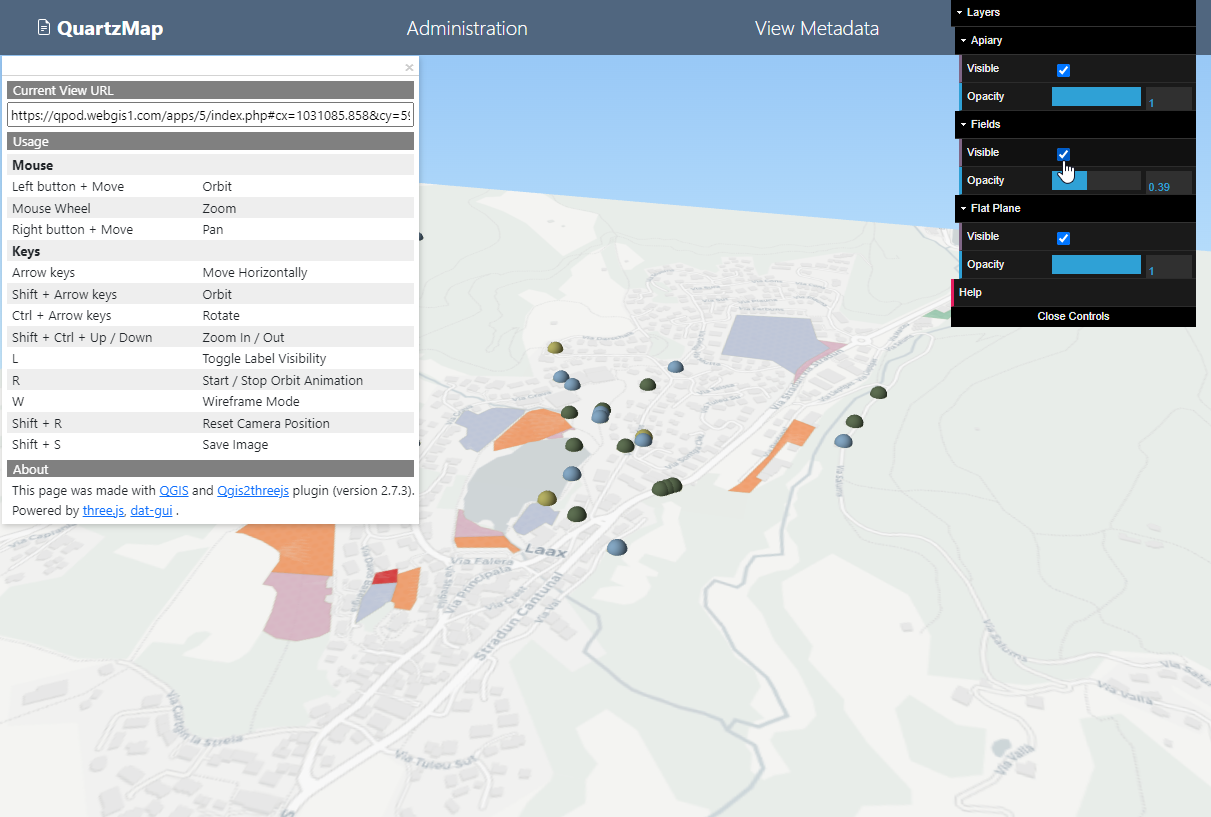
Selecting “3D Viewer” will produces the controls shown below: